
Skip to content
Circle LensProduct page

Project · Solo build · Windows, browser and web · 2026

Circle Lens

A simple zoom idea,
and the polish it took.

Draw a circle twice with the mouse, or tap Shift twice, and a magnifying lens opens at the pointer and follows it, live, anywhere on screen. It zooms only what you are reading, only when you need it, then gets out of the way. It started as the reading lens inside BoundStretch, my own cockpit app, and now ships on its own as a Windows desktop app, a browser extension and a script for websites.

Role
Creator · Solo build with Claude Code
Period
Oct 2026 – present
Status
v1.2 · Windows, browser, web · Mac and Linux preview
Stack
Go (standard library, Windows app) · Win32 · ScreenCaptureKit (macOS preview) · X11 (Linux preview) · JavaScript · Manifest V3 extension · npm package · esbuild
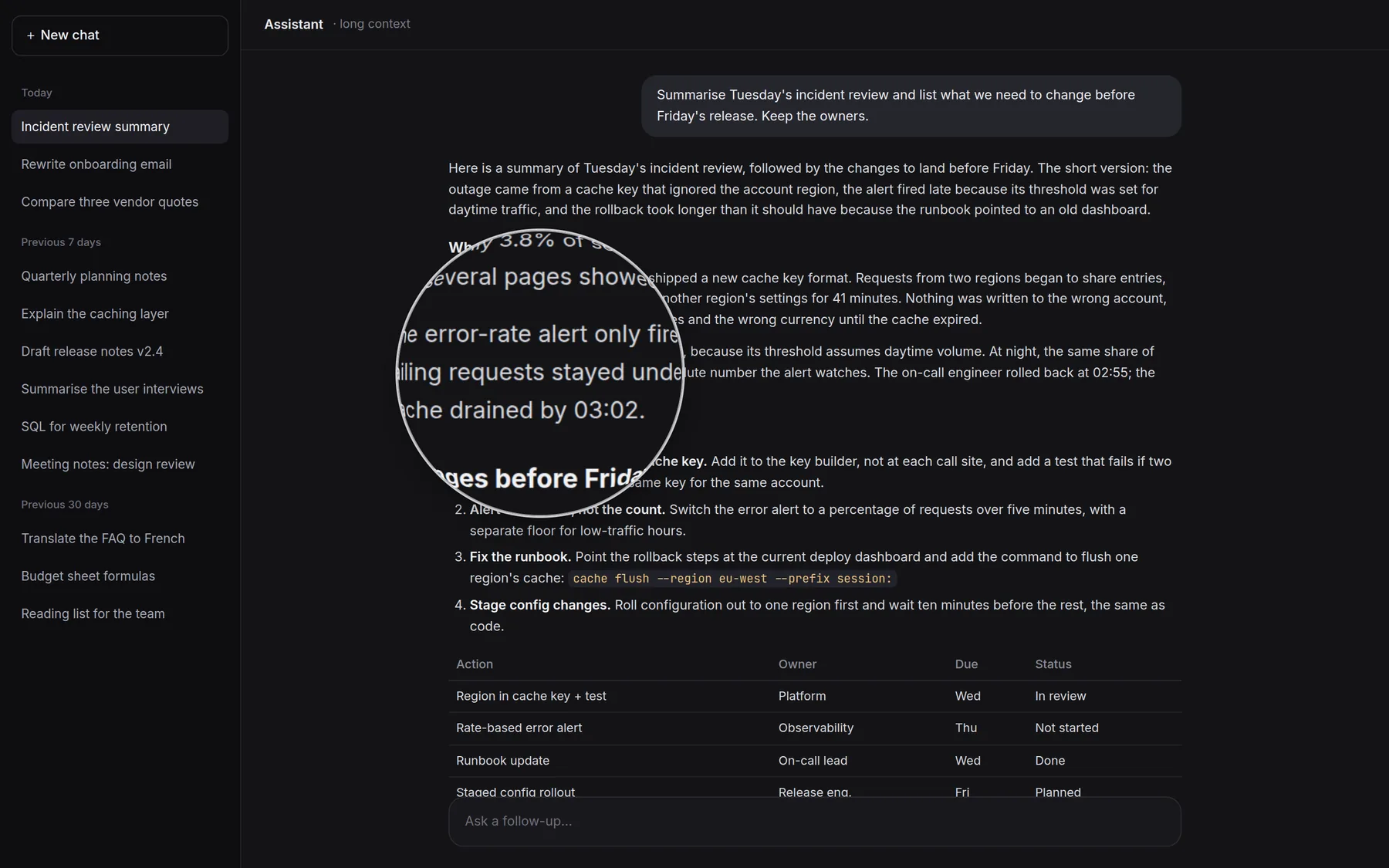
A dark AI chat with a long answer. A round lens magnifies a line about an alert that fired late, at 1.8 times.
The lens on a long AI answerThe line that matters, at a size that doesn’t strain. This page has the lens too: draw two circles anywhere, or click the picture.

Why I built it

Zoom the line,
not the whole screen.

We read far more long, generated text than before: AI answers, summaries, drafts. They are long and evenly weighted, so focus drifts over long passages and the important sentence is easy to miss. On a compact laptop screen, small text also strains the eyes.

Zooming the whole interface with display scaling or browser zoom ruins the layout of everything else. Circle Lens zooms only the part being read, and only while it is needed.

What I built

Three ways in,
one lens behind them.

01

A desktop app

It works anywhere on screen: Windows, with macOS and Linux (X11) in preview. Go with plain Win32 calls, standard library only: one exe of under 5 MB.

02

A browser extension

Chrome and Edge on any computer, and Firefox, on Manifest V3. It magnifies a screenshot of the tab.

03

A website script

The lens as a 7 KB package on npm (circle-lens) or one script tag, magnifying a live copy of the page for a site’s own visitors.

04

Its own renderer

The app copies the screen around the pointer, leaving its own window out of the copy, and composites the lens in software. The animations are reproduced keyframe by keyframe from the original CSS.

05

A gesture tested by simulation

Simulated hand-drawn circles and ordinary mouse use set the thresholds: 99.8 to 100% detection at every setting, zero accidental opens from realistic use at 1½ circles or more.

06

Your keys

Shift twice opens and closes it by default, or any combination recorded from the tray. The zoom keys can be changed and a close key such as Esc added; they apply only while the lens is open.

07

Zoom out when moving fast

Fast movement or scrolling eases the zoom to half at full speed, never below 1×, and glides back in as you slow down.

08

Installs itself

Per user, with no admin rights: Start menu entry, starts with Windows, uninstalls from Settings. Since 0.6.0 it keeps itself up to date from the GitHub releases, verifying each download’s size and SHA-256, with a switch to turn that off.

Where it helps

Small text is everywhere.

Click any picture to put the lens on it.

Six Circle Lens windows side by side in a near-black look: install, installing, ready, uninstall, the first page of the How to use tour, and What’s new.
Install to uninstall, in one calm windowPer user, no administrator, a short tour, and updates that check themselves.
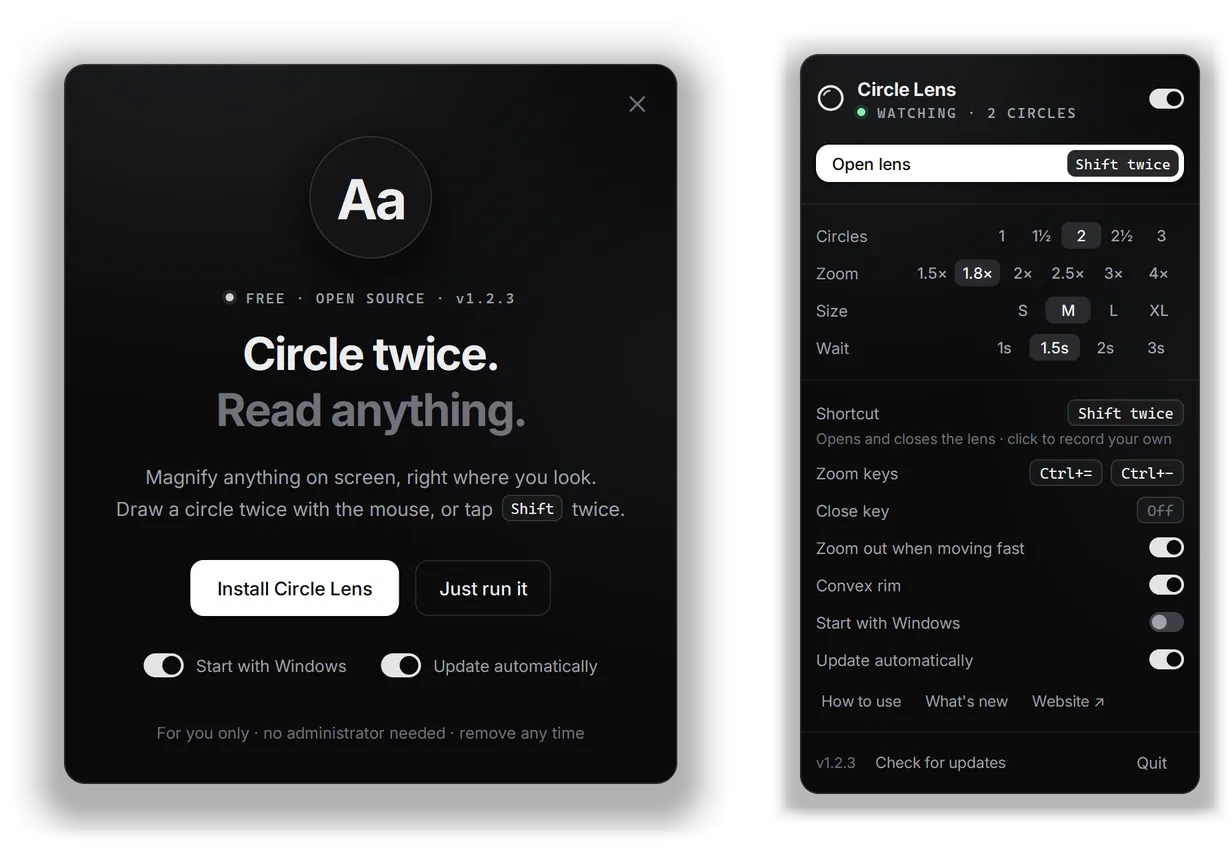
The Circle Lens installer window, Circle twice. Read anything, beside the tray panel with circles, zoom, size, wait and shortcut settings, version 1.2.3.
The Windows app, v1.2.3The installer, and the tray panel where circles, zoom, size and keys are set.
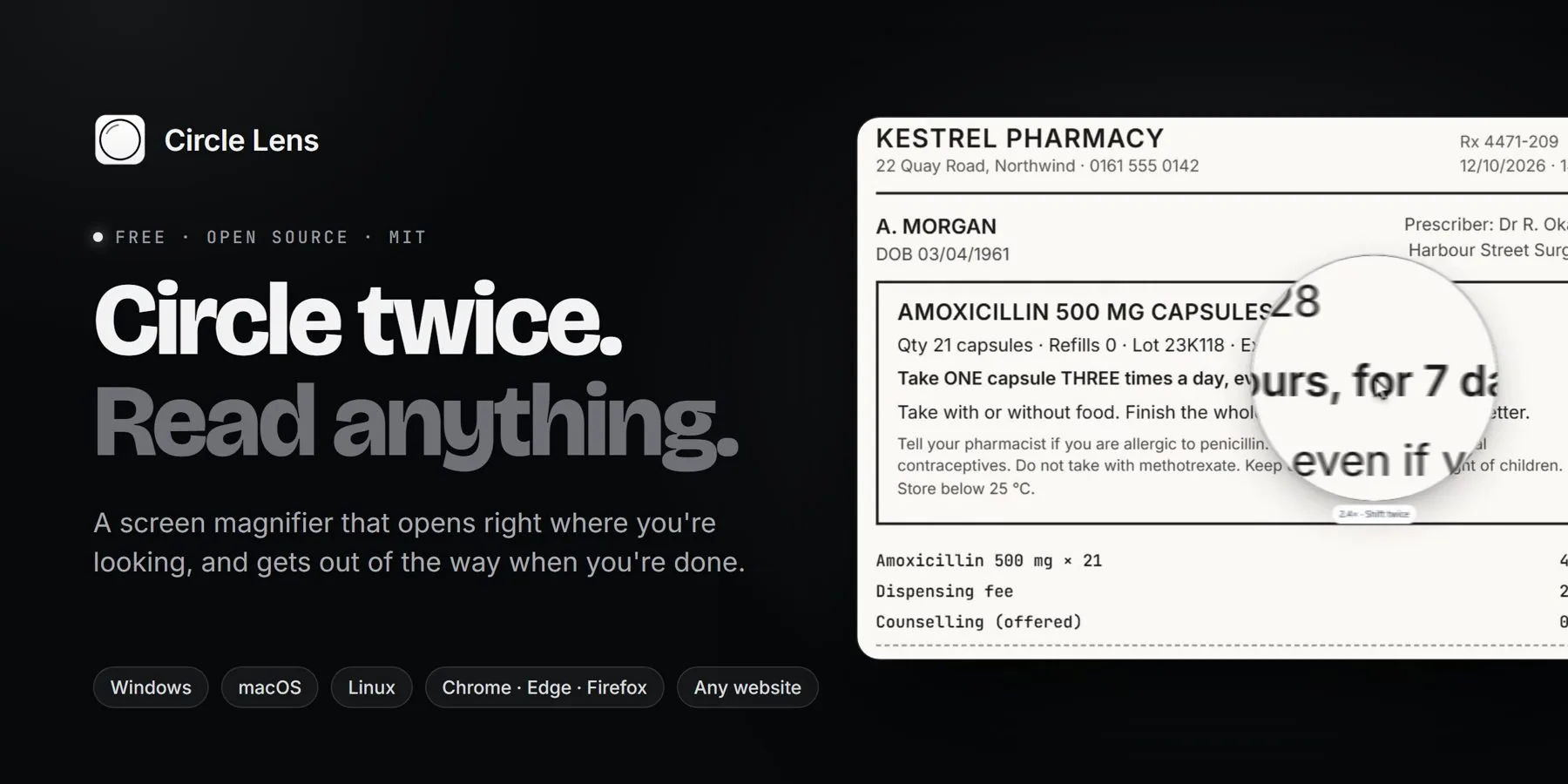
Circle Lens banner: Circle twice. Read anything.
Circle twice. Read anything.The line from version 1.2, on the repository’s banner.

Measured, not guessed

Small enough to forget
it’s running.

Opening animation
≈120fps≈35 fps with Windows’ own magnifier
Memory while it waits
≈13MB≈37 MB with the lens open
The whole Windows app
4.5MBthe installer: one exe, Go standard library
A steady frame, 8 cores
≈1.4mson a 4K screen at 200% scaling

The calls I made

Three decisions
that shaped it.

01

Go and Win32 instead of Electron or Tauri

Electron costs about 150 MB on disk and 80 to 150 MB of RAM. Tauri’s WebView2 uses 30 to 60 MB and needs a Rust install. A tray tool that waits all day has to cost almost nothing, and Go with plain Win32 calls ships as one exe of under 5 MB.

02

Its own renderer instead of the Windows Magnification API

The Magnification API gave about 35 fps, choppy animation (about 10 ms per call on a 4K screen at 200% scaling) and a half-second cold open. Drawing the lens in software brought the opening animation to about 120 fps with no GPU stack loaded.

03

A thin convex rim, not a refraction edge

A 1 to 2 px "water droplet" bend was not noticeable enough and added work per frame, and a wide zoom ramp across the outer quarter was too much. A 14 px rim where the zoom eases off stayed, as a toggle, skipped during animations so they hold 120 fps.

The story, in brief

Simple to use
is not simple to build.

Built with Claude Code as pair programmer: ten releases, from 0.4 to 1.2, on 11 October 2026. Three things I took from it.

01

Measure before you polish

Frame rate, longest gap, memory: Windows’ magnifier looked fine until the numbers said 35 fps and a half-second stall. The rewrite was chosen by the numbers, and every change after it was checked against them.

02

Simulate the hands

A gesture that works when I draw it carefully is not a gesture. Simulated circles that wobble, drift and change speed found settings that worked 2% of the time, and ordinary mouse moves that opened the lens uninvited.

03

Polish is mostly subtraction

Three edges tried, one kept. Two panel designs, then a calmer third. The glows, gradients and sparkles went too. What stayed is what you notice only when it is missing.

1.3 preview

Latest: Mac and Linux, in preview

Preview builds for macOS 14 or later and Linux on X11, with the same gesture, lens, zoom and menu as on Windows. Early and unsigned, and not yet self-updating; Linux was tested on a real X server, the Mac build not yet on a real Mac. Help test them.

Free · MIT licence

See it, try it,
get it.

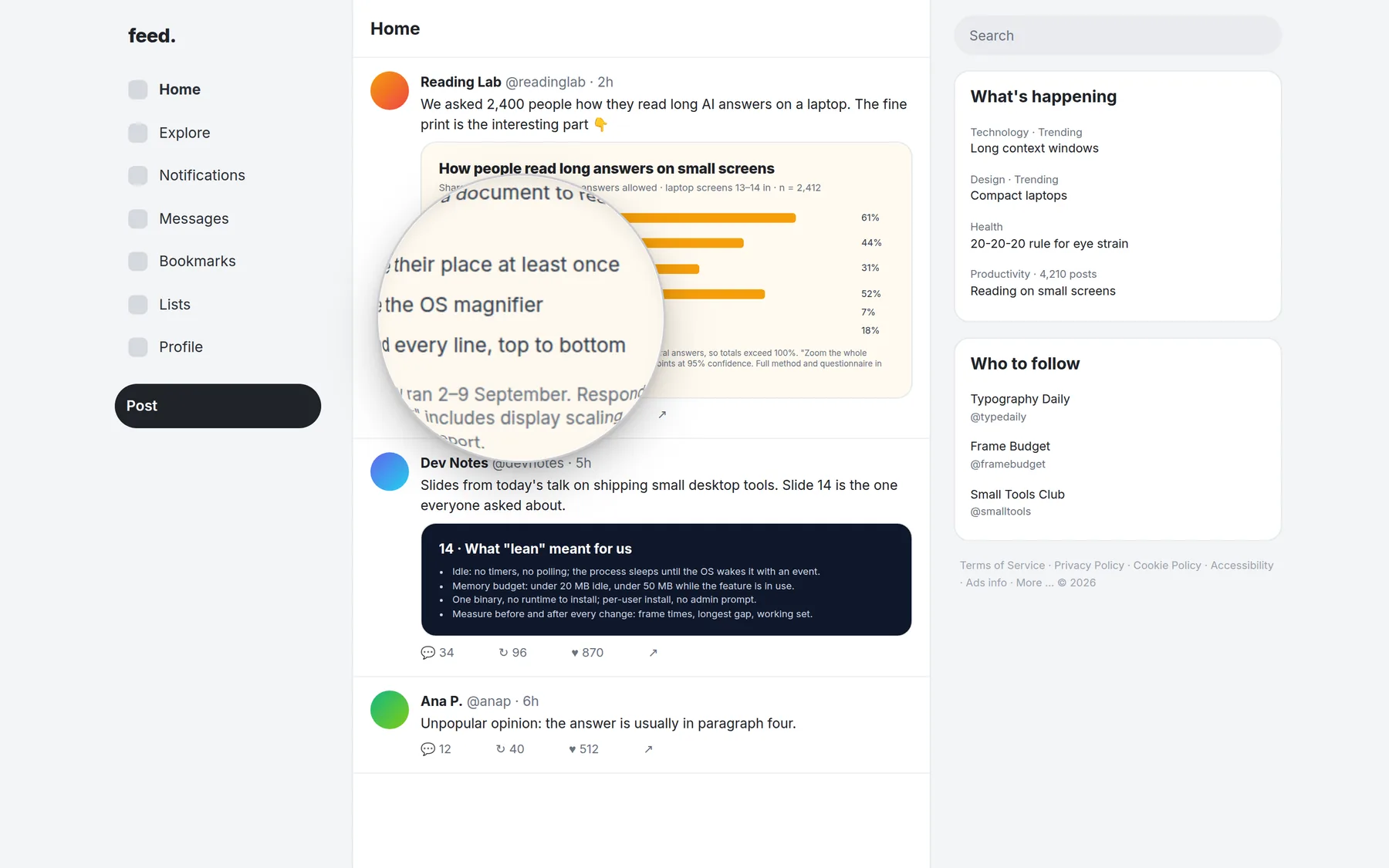
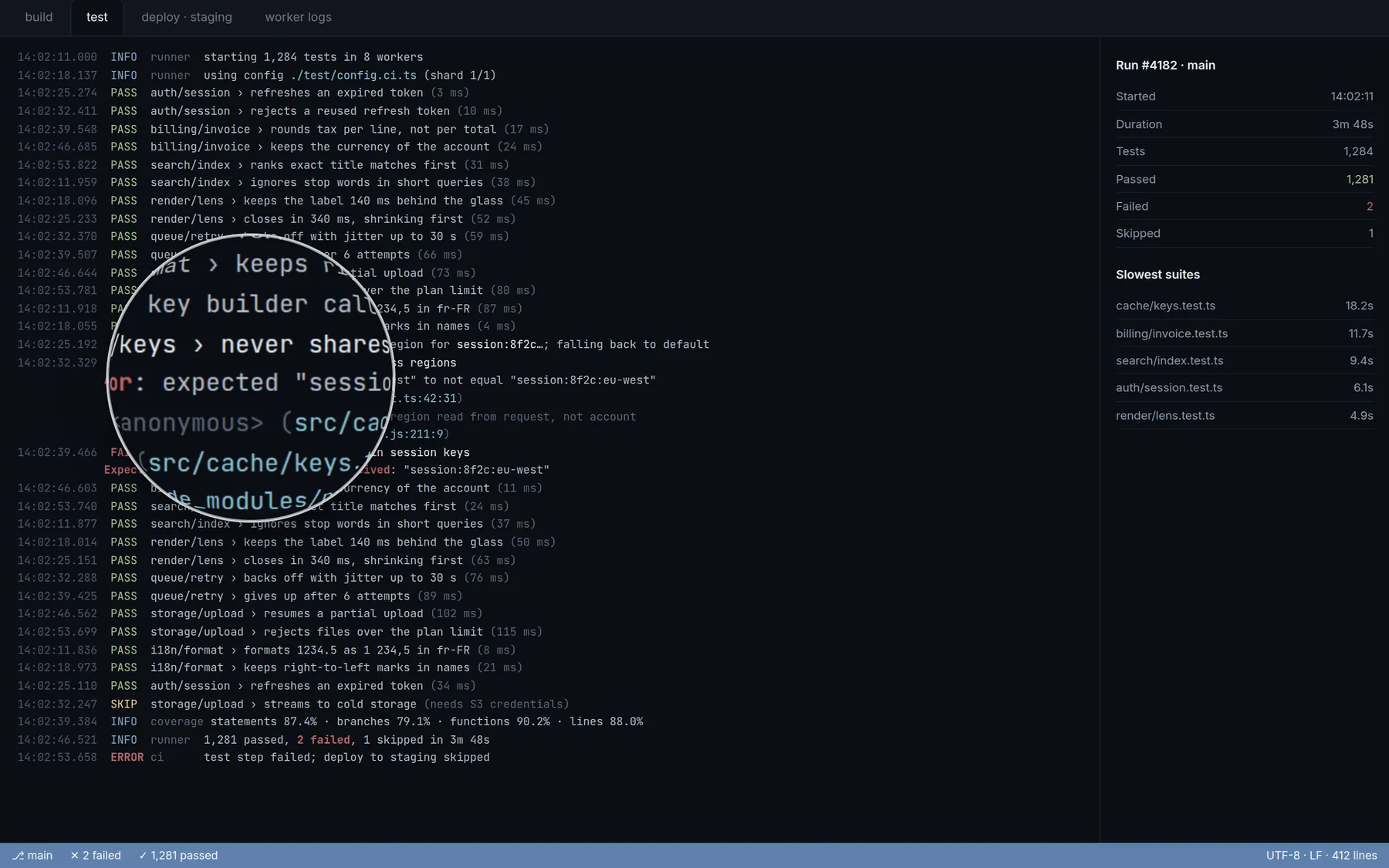
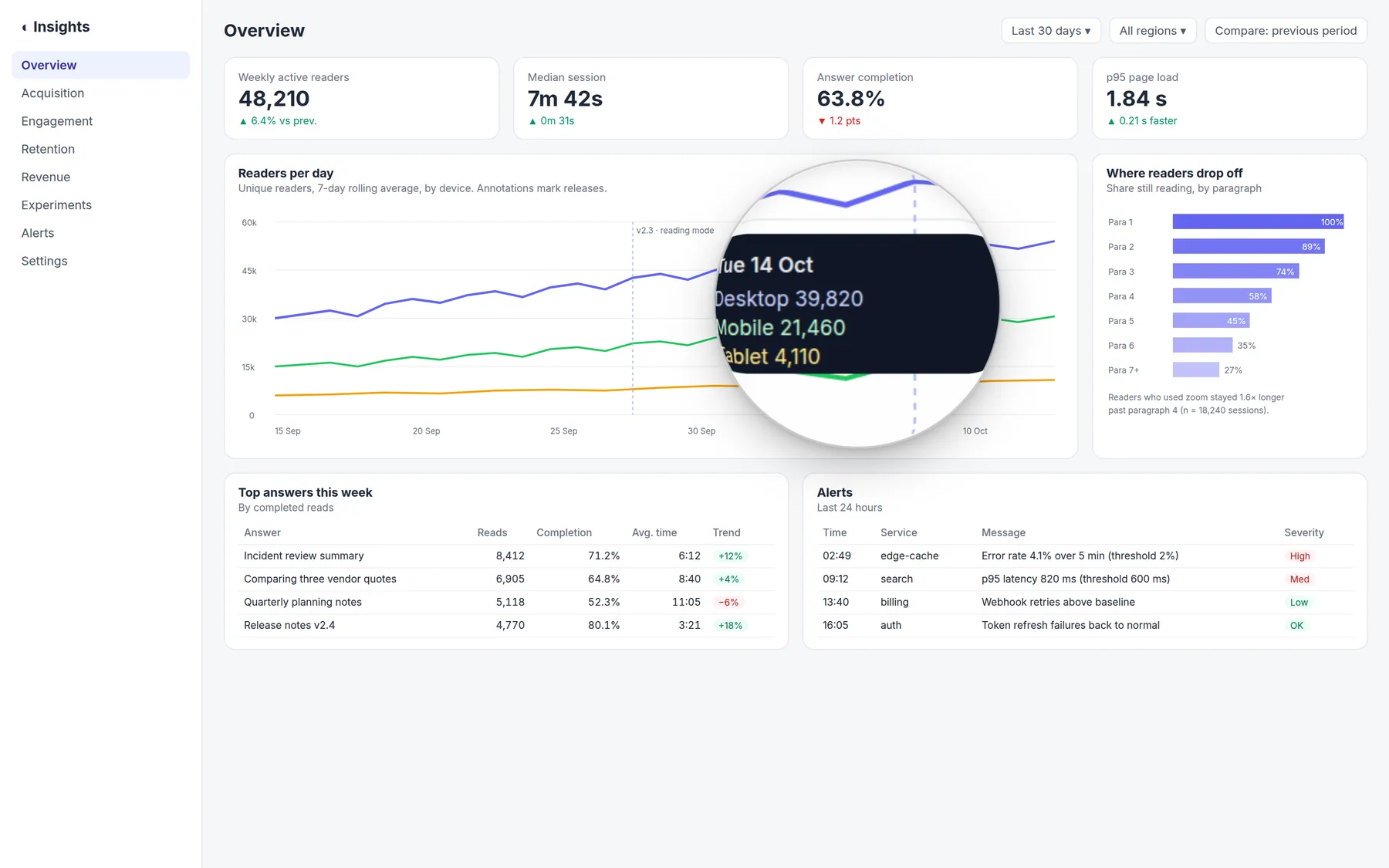
The product page has the lens to try on chats, logs, charts and dashboards, every download, and setup in a few minutes.

A feature taken out of my own app and shipped in one day as a native Windows tool and a browser extension, with the polish measured rather than guessed. Would adapt to any small desktop or browser utility where frame rate, memory and accidental triggers decide whether people keep it installed.