
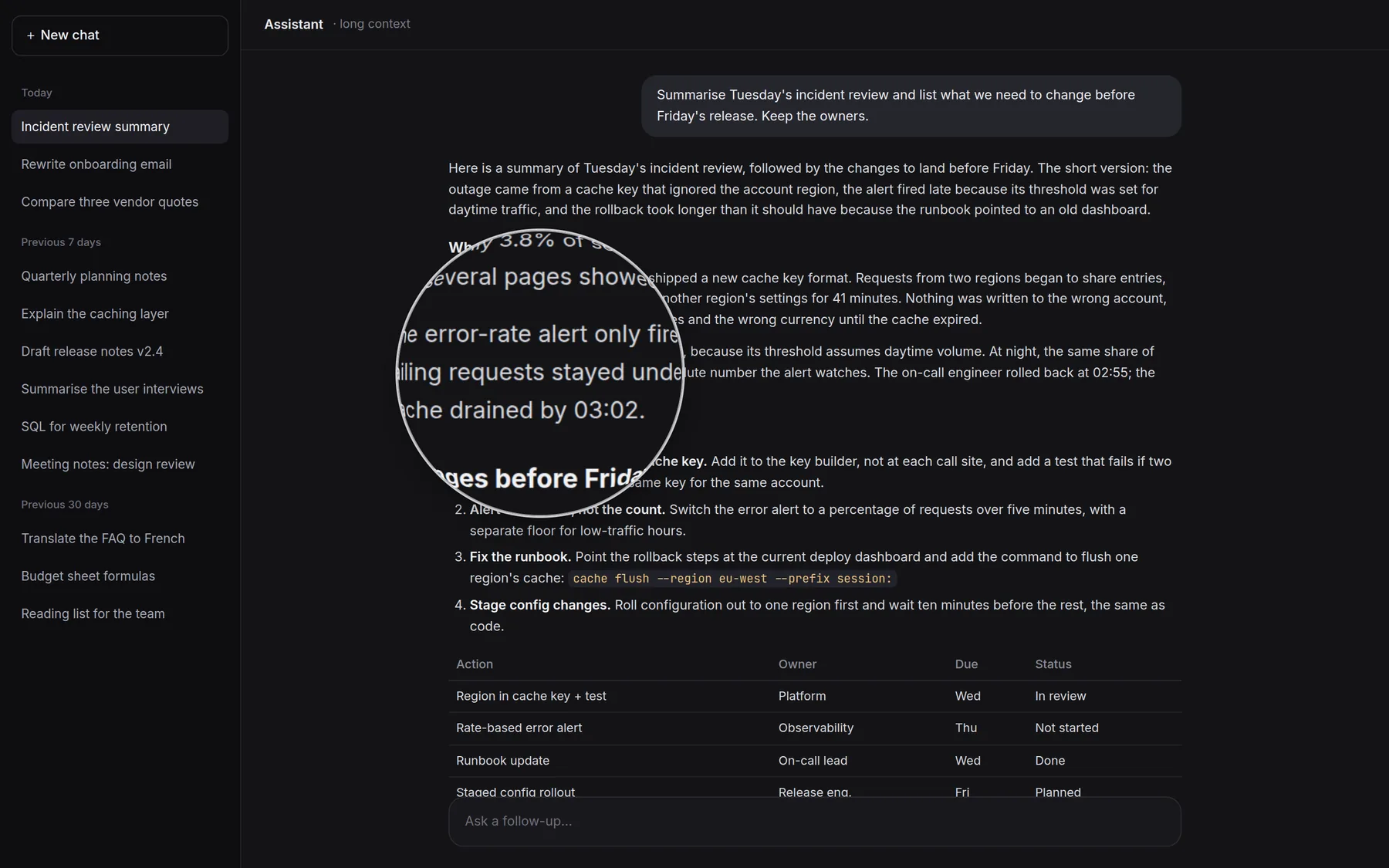
- opening animation, paced to the display
- ≈120 fps
- memory while it waits
- ≈13 MB
- of hand-drawn circles caught
- 99.8–100%
- 0.4 to 1.2, on 11 October 2026
- 10 releases
01 The problem
Why a lens, and why now.
I read far more long, generated text than I used to: AI answers, summaries, drafts. They are long and evenly weighted. Every paragraph looks as important as the one before it, so over a long passage my focus drifts and the one sentence that matters slips past.
On a compact laptop screen, small text also strains the eyes. The usual fixes make it worse somewhere else. Display scaling and browser zoom enlarge everything, and the layout of every other window and panel falls apart.
I wanted to zoom only what I am reading, only when I need it, and then have the zoom get out of the way.
02 Where it came from
A feature that wanted to leave home.
The idea started as the reading lens inside BoundStretch, my own cockpit app, written in React. Circle twice and a magnifier opens and follows the pointer, with a camera-like spring as it opens. Circle Lens takes that feature out on its own, in three forms:
- A desktop app that works anywhere on the screen: Windows, with Mac and Linux in preview.
- A browser extension for Chrome and Edge on any computer. It magnifies a capture of the tab.
- A website script, so a site can offer the lens to its own visitors.
I built it with Claude Code as my pair programmer. Ten releases, from 0.4 to 1.2, went out on 11 October 2026.
03 Choosing the stack
Small enough to forget it is running.
A tool that sits in the tray all day has to cost almost nothing while it waits. That ruled out the comfortable choices.
| Option | Cost | Decision |
|---|---|---|
| Electron | About 150 MB on disk, 80 to 150 MB of memory | Dropped |
| Tauri | WebView2 uses 30 to 60 MB, and it needs a Rust install | Considered |
| Go with plain Win32 calls | Standard library only, no dependencies, one exe of under 5 MB | Chosen |
04 Version 0.1
Windows’ own magnifier, and its limits.
The first version used the Windows Magnification API. It worked, at a cost:
- Memory sat at 11 MB idle and about 45 MB with the lens open, because the magnifier loads Direct3D.
- The lens updated at about 35 fps, and the opening animation was choppy. Each call cost about 10 ms on a 4K screen at 200% scaling.
- A cold open stalled for about half a second.
It also taught me the lesson that shaped everything after it. A low-level mouse hook on Windows holds up every mouse event on the system until it returns. If the hook shared a thread with the UI, any stall in drawing would lag the mouse everywhere, in every app. So the hook moved to its own thread.
05 Version 0.2
Drawing the lens myself.
For 0.2 I dropped Windows’ magnifier. The app copies the screen around the pointer, with its own window left out of the copy, and composites the lens in software, in Go. The animations are reproduced keyframe by keyframe from the original CSS. A ticker thread waits for each display refresh, and a separate capture thread grabs the screen.

On a 120 Hz 4K laptop screen the opening draws 68 to 69 frames in 560 ms, about 120 fps. A steady frame costs about 1.4 ms across 8 cores, of the 8.3 ms a frame has. Nothing runs while the mouse is still.
06 The gesture
Teaching it what a circle is.
“Circle twice” sounds easy to detect until you look at how people actually move a mouse. I tested it by simulation: hand-drawn circles that wobble, drift, turn slightly oval and change speed, against ordinary mouse use such as reading sweeps, curved reaches, idle wandering and hover jiggle.
The simulation found real bugs. The 1½ and 2½ circle settings were caught only 2 to 28% of the time, slow 3-circle drawing 0 to 61%, and ordinary movement sometimes added up to “two circles” and opened the lens uninvited. The fixes: the last full turn must close on itself and be round, a 250 ms pause starts over, the time window scales with the number of circles, at least 64 px across, and 95% of each turn drawn.
Circles detected, before and after the fixes
After the fixes, detection is 99.8 to 100% at every setting, with no accidental opens from realistic ordinary use at 1½ circles or more.
07 Flicker and shortcuts
People keep spinning.
Once detection worked, a new problem showed up. People keep circling for a moment past the point where the lens opens, so it would flip open, shut, and open again. The gesture now stays spent until the circling stops, and there is a gap between open and close, 1.5 s by default.
Not everyone wants to draw, so one shortcut also opens and closes the lens: Shift twice. I avoided Ctrl twice because PowerToys’ Find My Mouse already uses it. You can record your own, and since 0.8 the zoom keys and an optional close key are yours to set too.
08 Moving fast
Zooming out when you move fast.
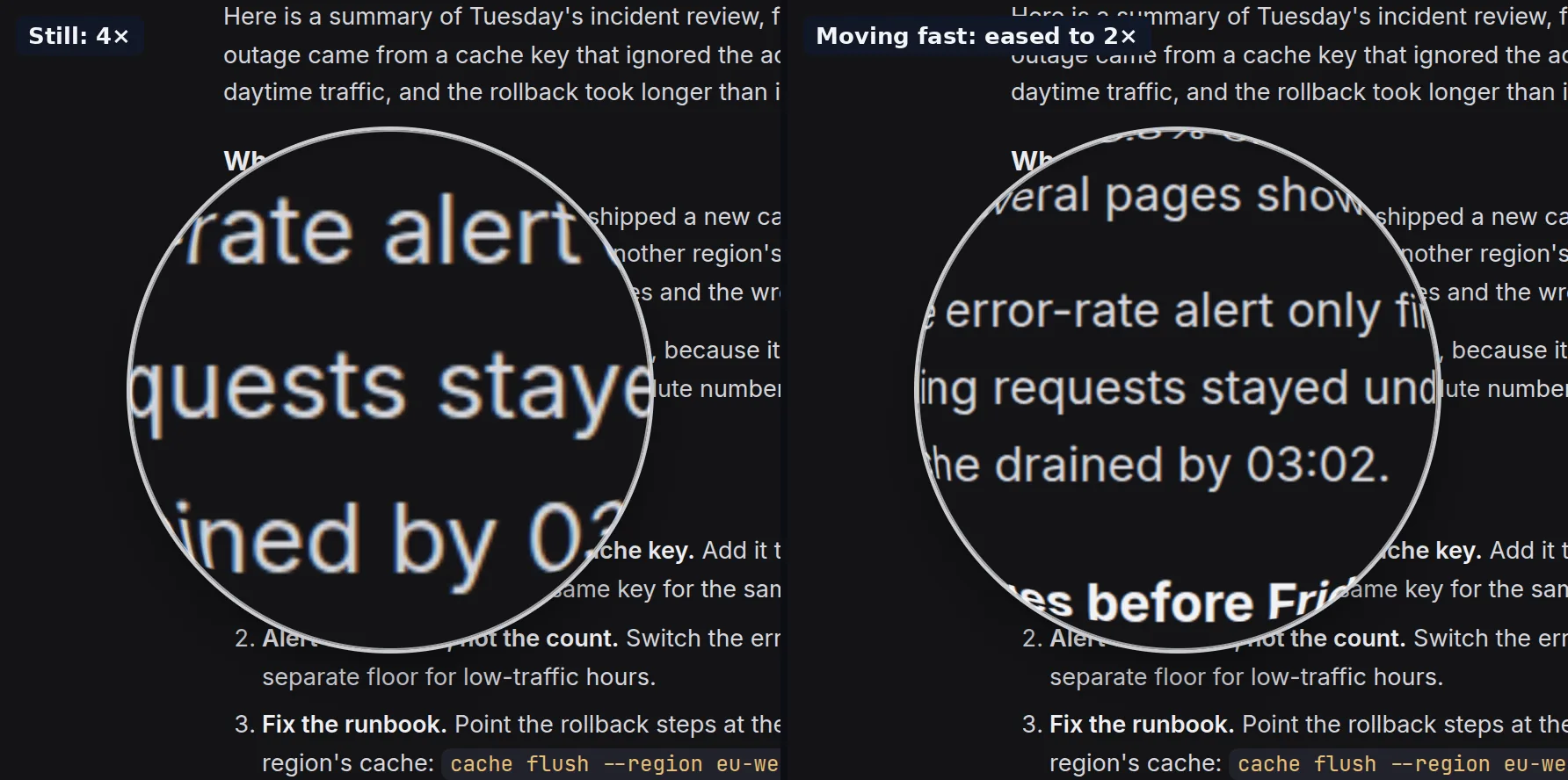
At a high zoom, the lens shows too little to see where you are going. So fast pointer movement or fast scrolling eases the zoom out in proportion to speed: to half the zoom at full speed, never below 1×. It glides back in as you slow down.
09 Edge feel
Three edges, one kept.
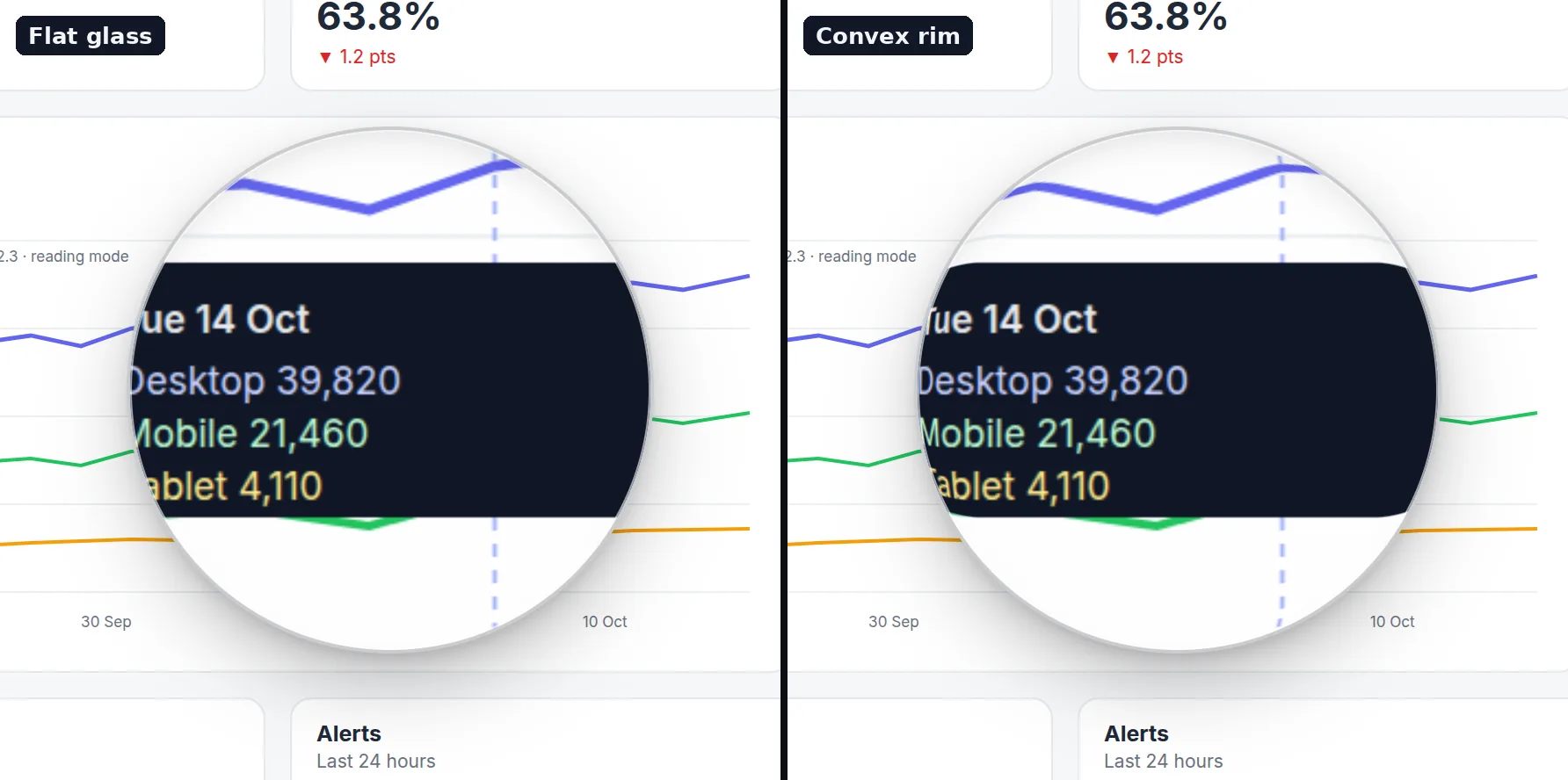
The edge of the glass decides whether the lens feels like an object or a pasted rectangle. I tried three:
- A water-droplet edge, a 1 to 2 px refraction. Dropped: not noticeable, and it cost time every frame.
- A wide zoom ramp across the outer quarter. Dropped: far too much.
- A thin convex rim, a 14 px band where the zoom eases off, like real glass. Kept, as a switch, and skipped during animations so they stay at 120 fps.
10 Closing
A close that reads as a close.
My first close faded the glass while it shrank to 62%, so it read as a glitch: the lens seemed to dissolve rather than put itself away. Now the close takes 340 ms. The glass draws in to under half its size while fully opaque, then fades and blurs out as it goes down to 30%.


11 Tray and settings
The parts you see every day.
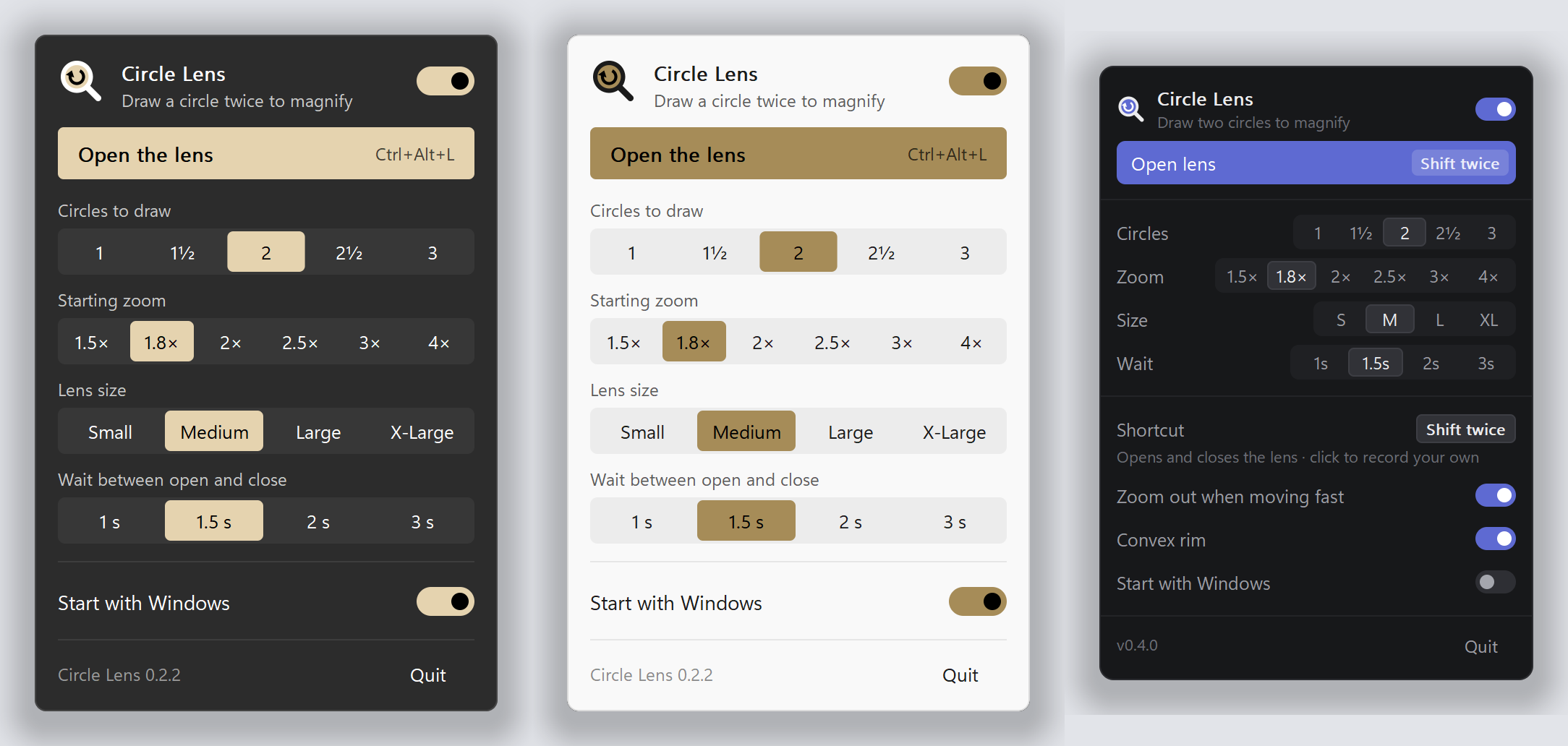
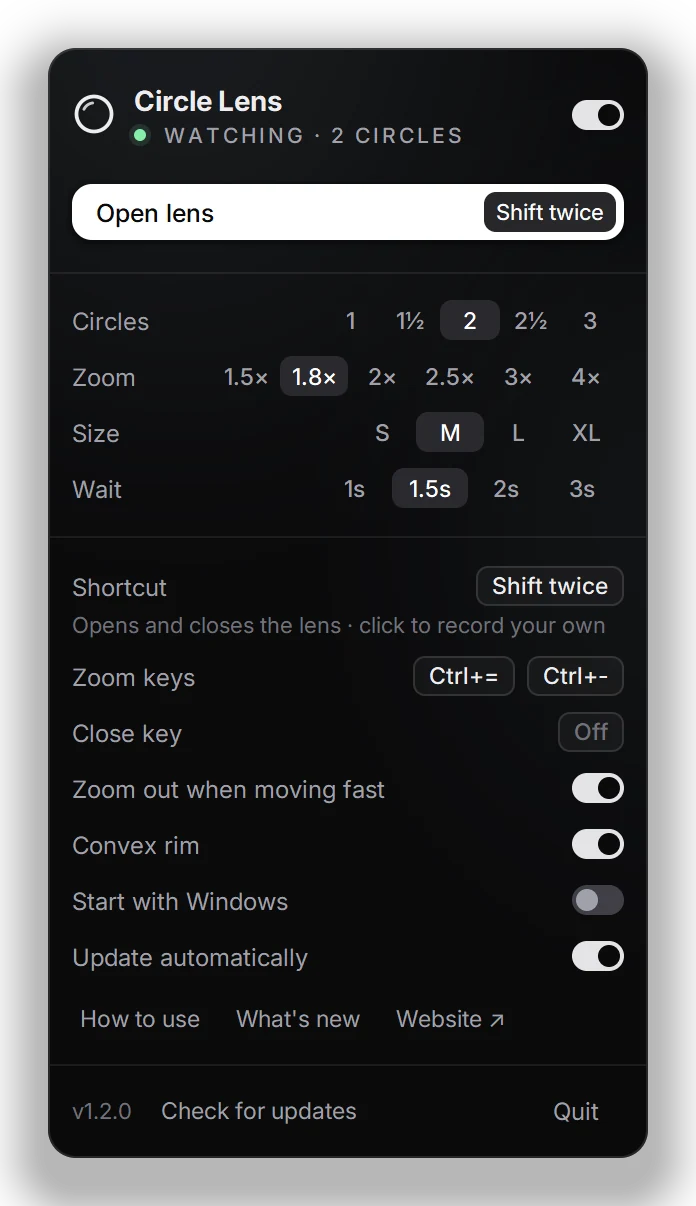
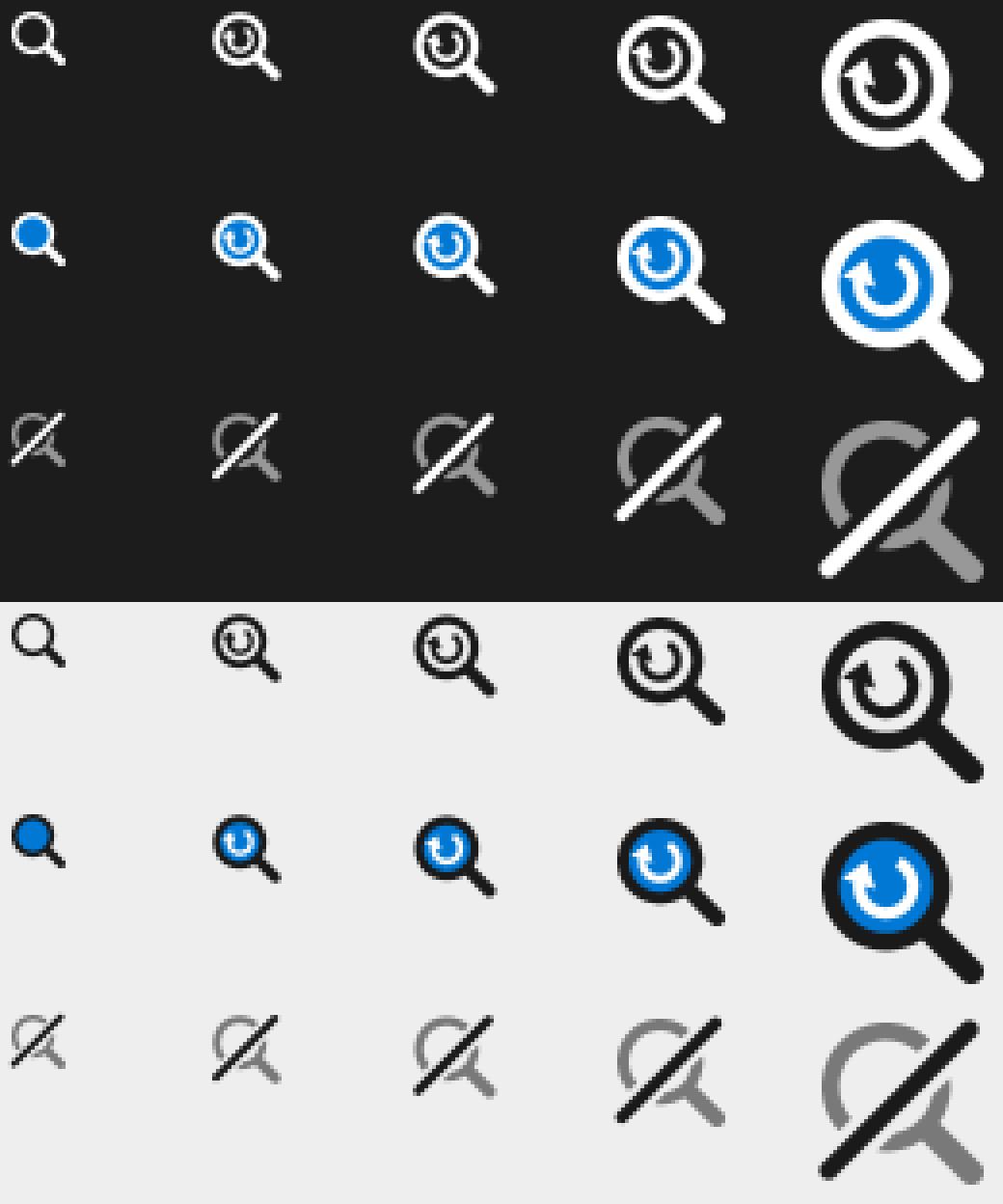
The settings panel went through three designs. The first, in 0.2.2, was Windows 11-style and followed light or dark mode. The second, in 0.4, was a compact dark panel: one line per setting, 425 px tall instead of 560. In 1.1 it took this page’s calm monochrome look, with the keys you set shown as keycaps. In 1.2 the magnifier mark gave way to a plain ring: the lens itself.
12 Installing
Installable, without asking for admin.
A tool nobody can install is a demo. From 0.4 the exe installs itself: per user, no administrator, a Start menu entry, starts with Windows, and Uninstall in Settings. Since 0.6 it keeps itself up to date, and since 0.7 it does all of it through one window of its own.

The exe is not code-signed yet, so browsers call it “not commonly downloaded” and Windows shows “Windows protected your PC” the first time. Both mean unfamiliar, not harmful: keep it, then choose More info and Run anyway.
