- Is Circle Lens free?
- Yes. Every part is free and open source under the MIT licence: the Windows app, the browser extension and the website script. No account, no ads, no tracking.
- Is there a Mac or Linux version?
- Yes, as previews: the app for macOS 14 or later (Apple silicon and Intel) and for Linux on X11, early and unsigned, with the same gesture, lens, zoom and menu as on Windows. Self-updating and the setup windows aren’t in them yet, and Wayland isn’t supported yet. The browser extension already works in Chrome and Edge on Windows, Mac, Linux and Chromebook (Option+Shift+L on a Mac).
- How do I open and close the magnifier?
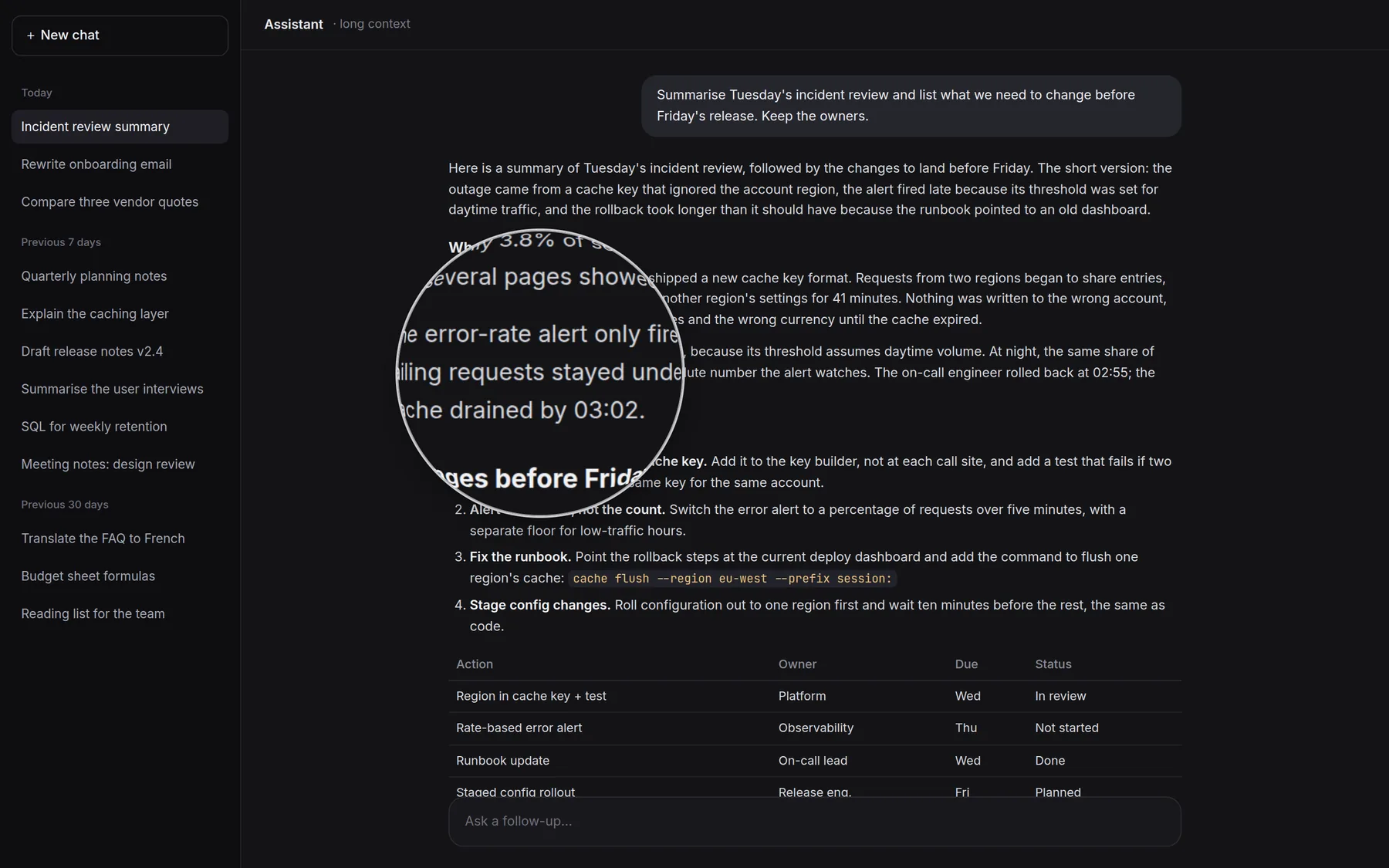
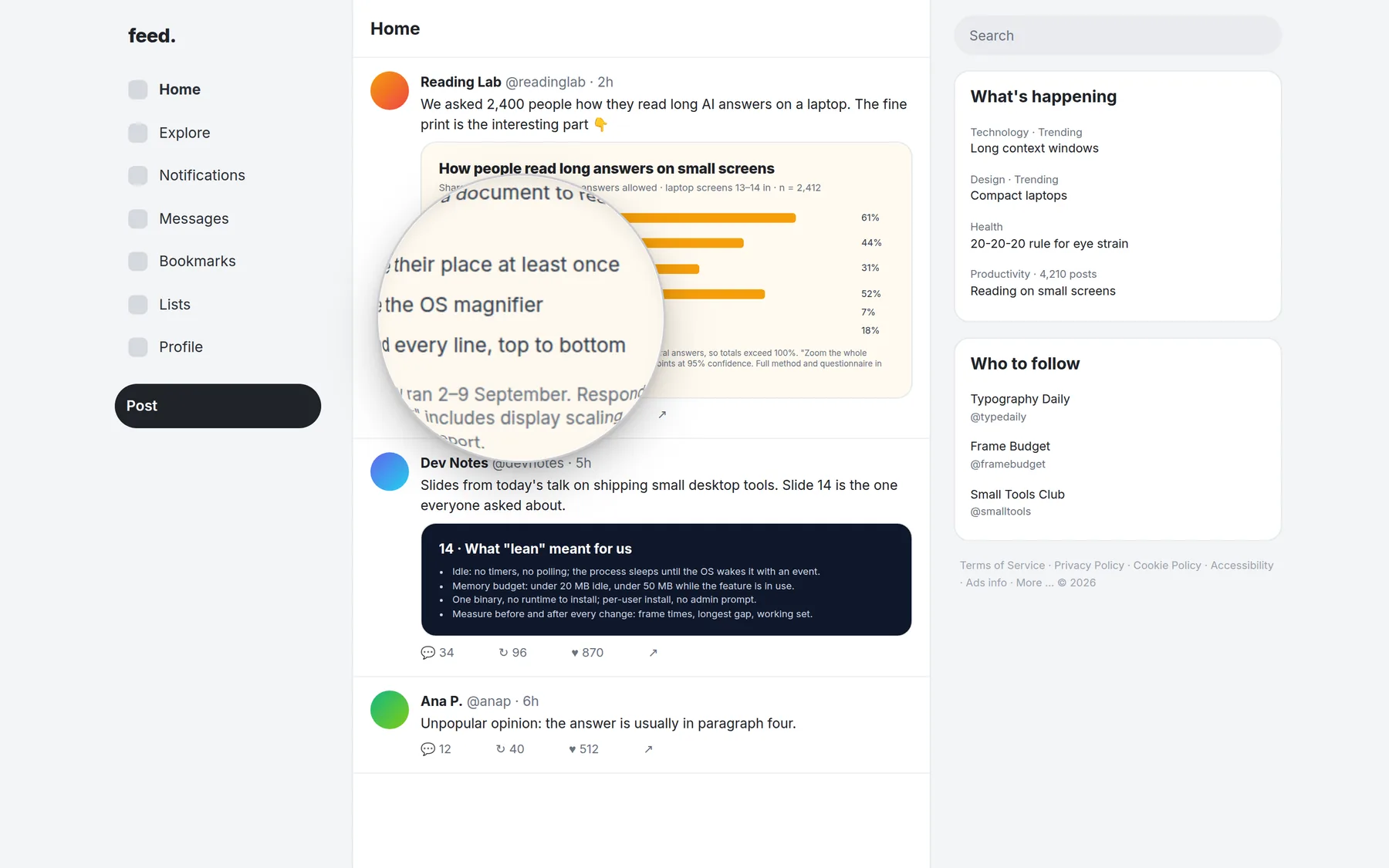
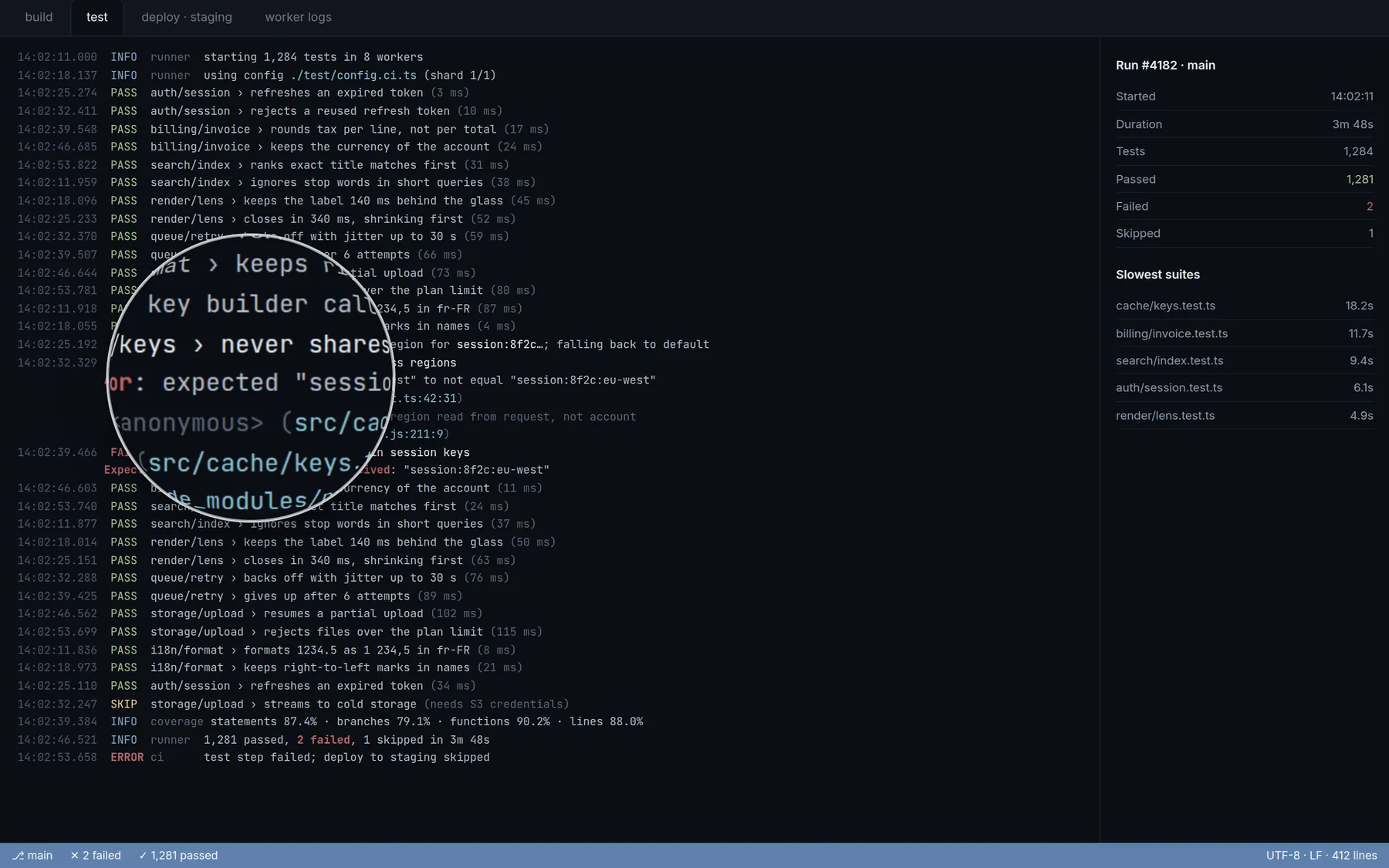
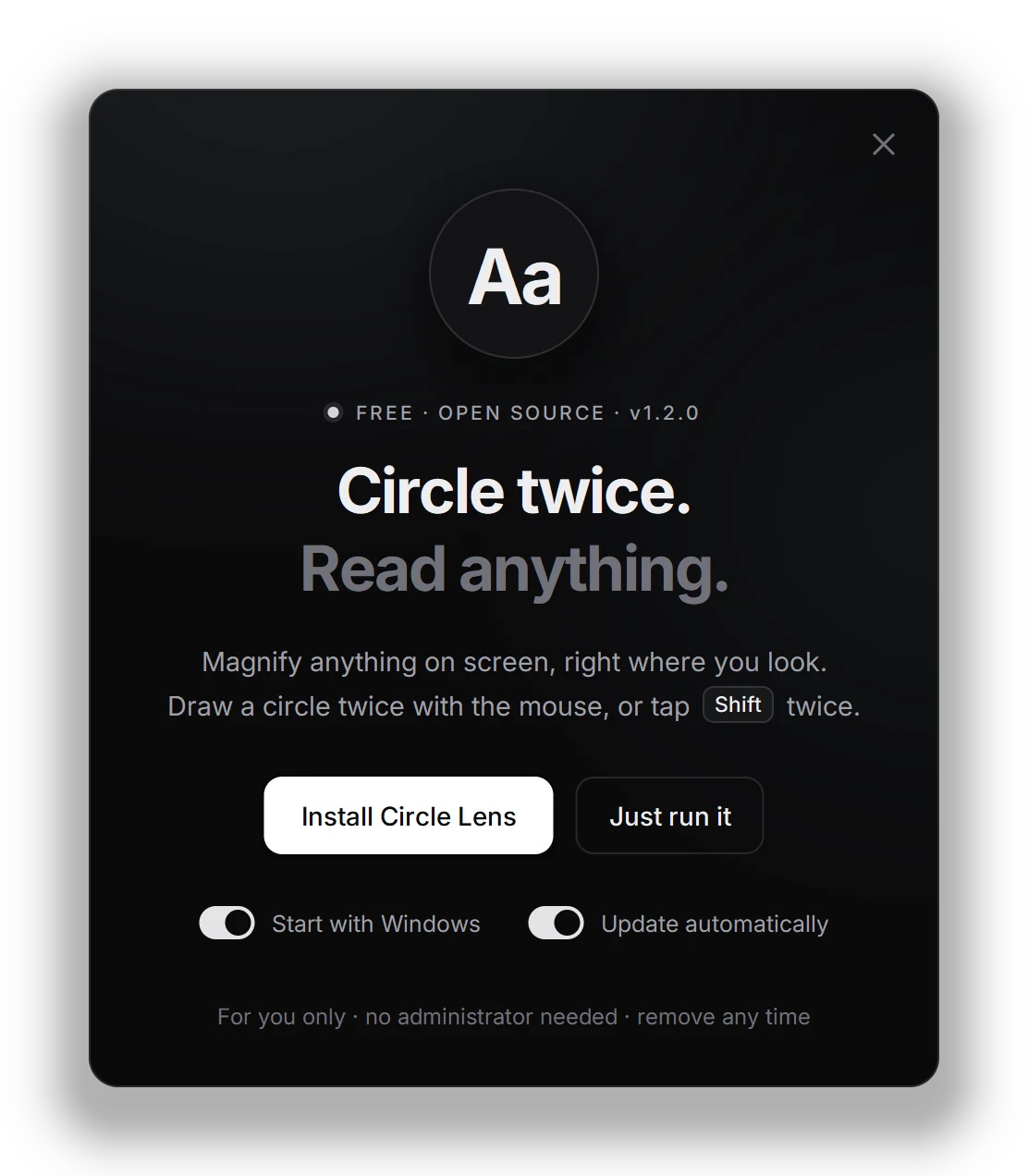
- Draw a circle twice with the mouse in one smooth motion, or tap Shift twice. Do the same again to close it. To zoom, hold Ctrl and turn the mouse wheel (⌘ on a Mac in the browser). In the Windows app you can also set a close key, like Esc.
- How is it different from Windows Magnifier?
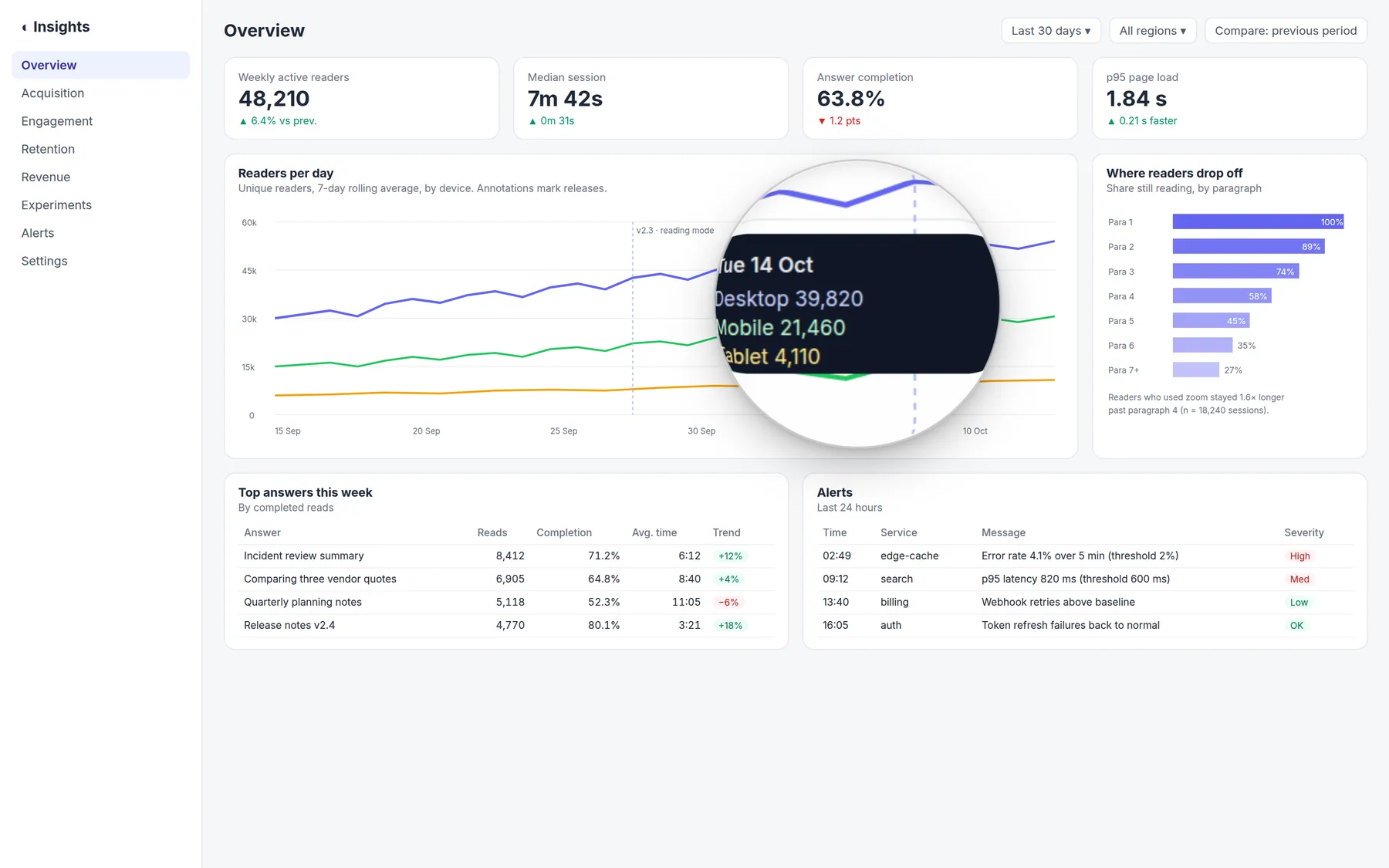
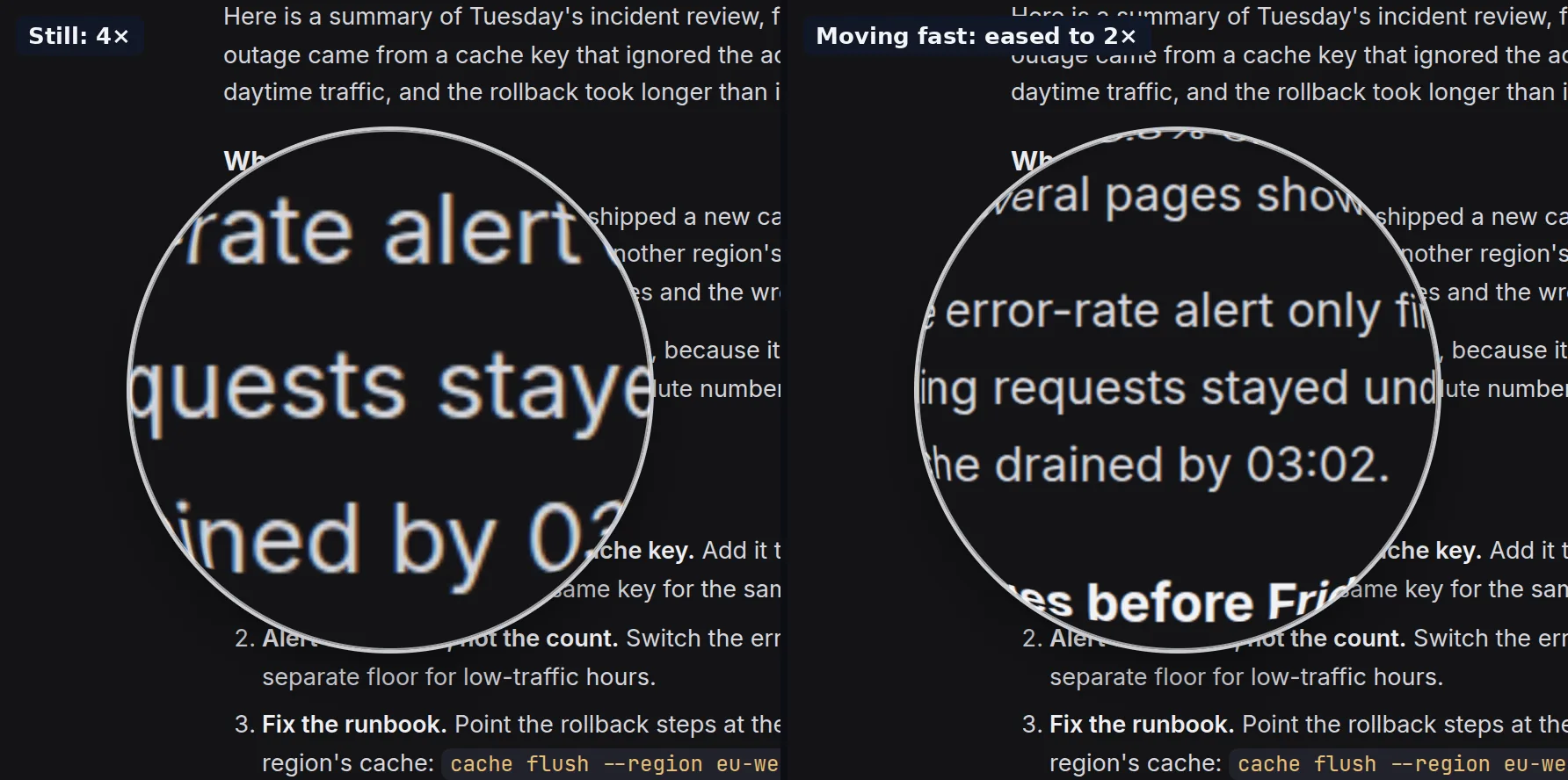
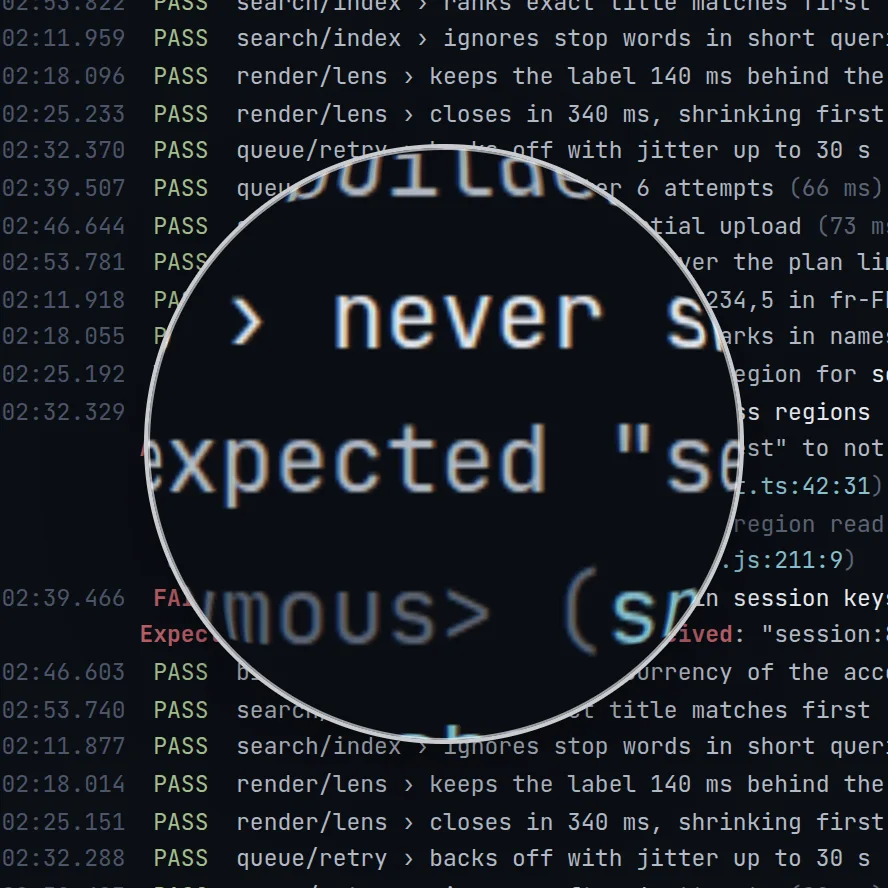
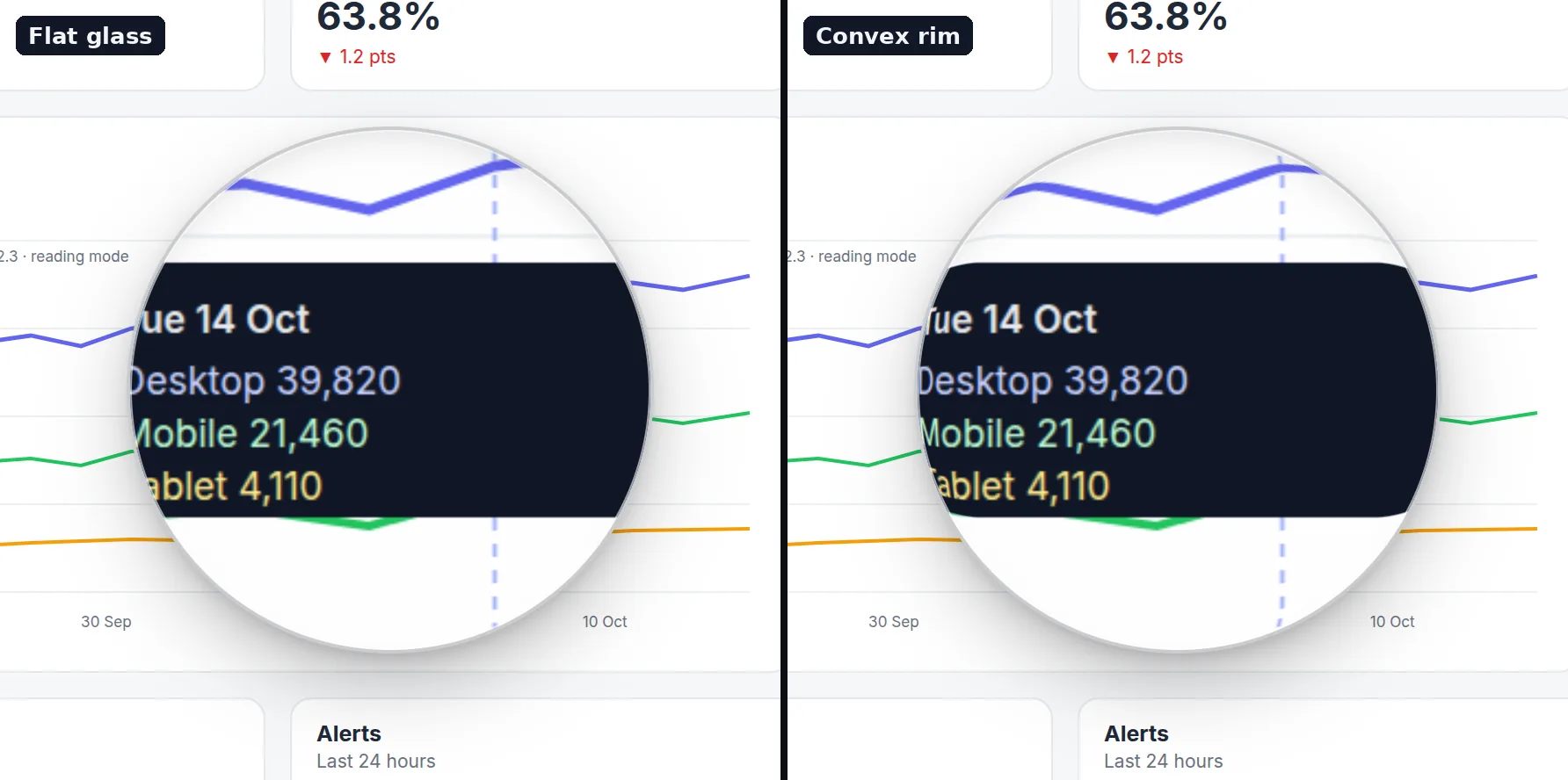
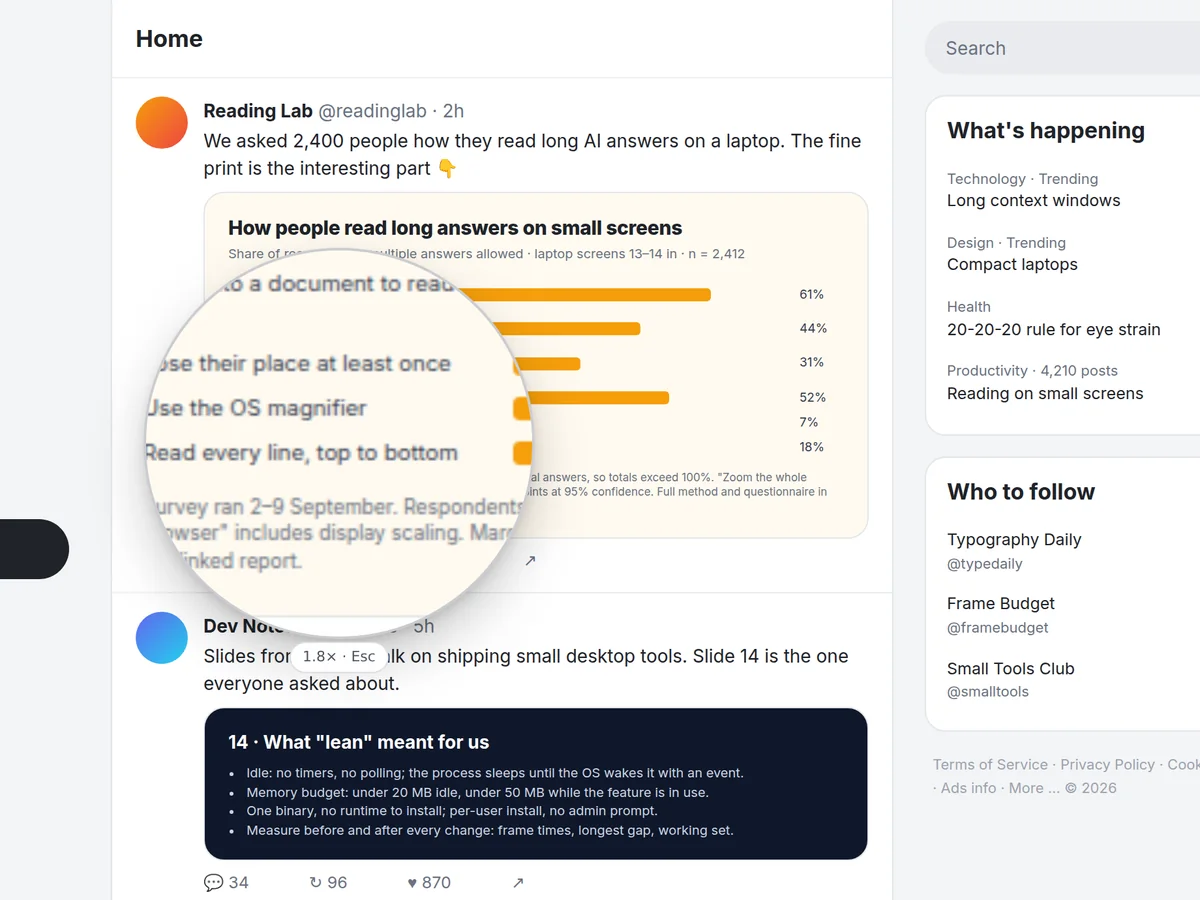
- It opens right where you are looking and leaves the rest of the screen as it is. It follows the pointer at the screen’s refresh rate, and zooms out while you move fast so you can see where you are going.
- Is it safe to install?
- It installs for you only, with no administrator password, and the source is public. The exe is not code-signed yet, so Windows shows “Windows protected your PC” the first time: choose More info, then Run anyway. Each update must match the size and SHA-256 GitHub publishes, or it is deleted unrun.
- My browser says it isn’t commonly downloaded. What do I do?
- That means unfamiliar, not harmful: the app is new and isn’t code-signed yet. In Edge, open the downloads list, point at the file, click … (More actions), then Keep, and in the next box click the arrow by Delete, then Keep anyway. In Chrome, open the downloads list, click the file’s warning, then Keep or Download anyway. When Windows shows “Windows protected your PC”, choose More info, then Run anyway.
- My antivirus flagged it. Is it safe?
- Circle Lens isn’t code-signed yet, so antivirus machine-learning checks sometimes flag a new build by mistake: it watches the mouse, copies part of the screen and installs itself, as malware also does. It never logs keys or sends anything. If it says “Virus detected”, don’t force it: a fresh build fixes a misjudged file, so download it again for the latest. Every release file has a published SHA-256 and a signed build attestation showing it was built from the public repository.
- Does it send any data?
- No network use except the optional update check, which sends only the app’s name and version. Switch off Update automatically and it never connects on its own.
- Can I add it to my own website?
- Yes: one script tag from jsDelivr, or npm install circle-lens. It is 7 KB gzipped, has no dependencies and is safe with server rendering.